Connect
One button, made for the remote.
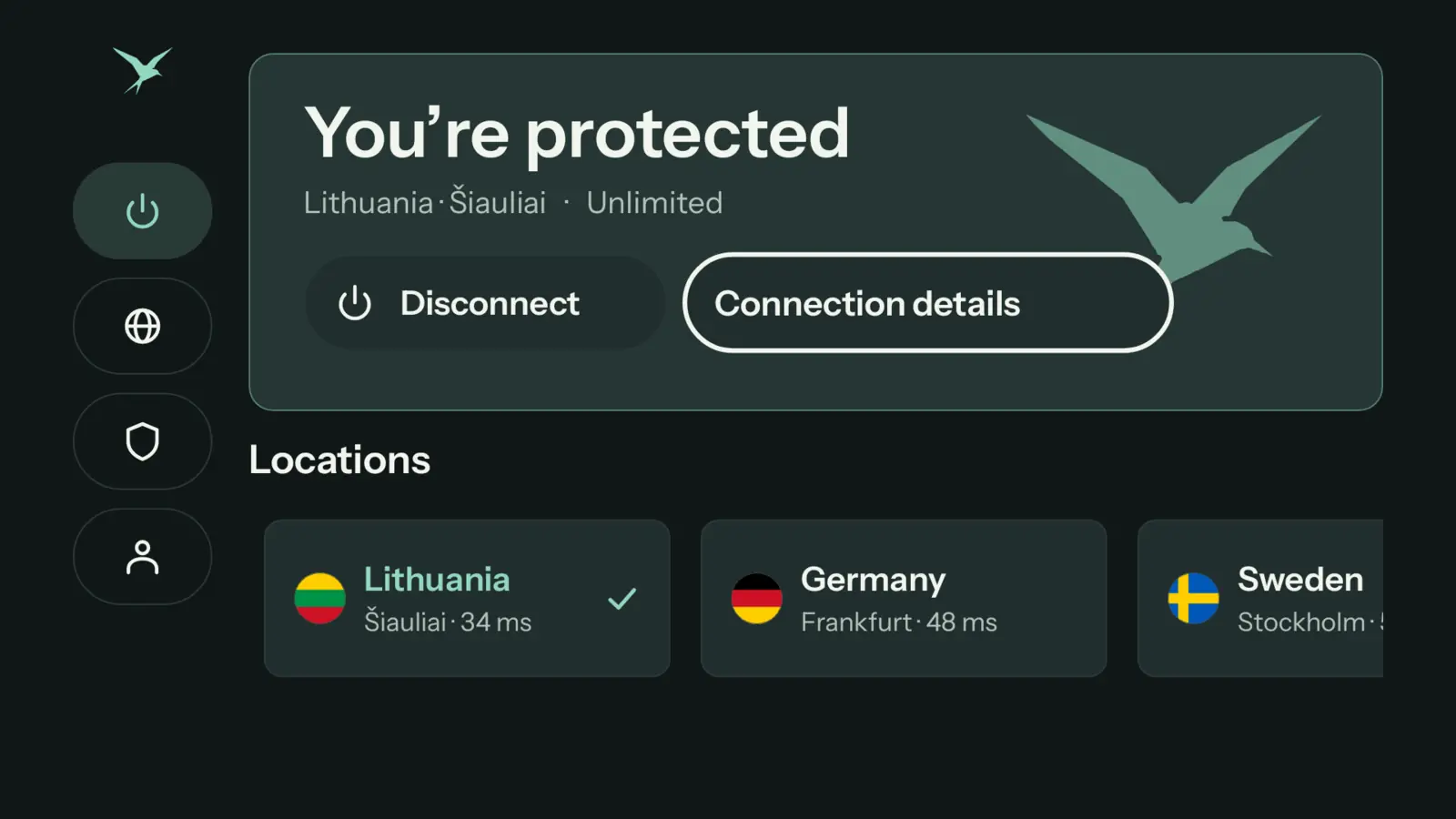
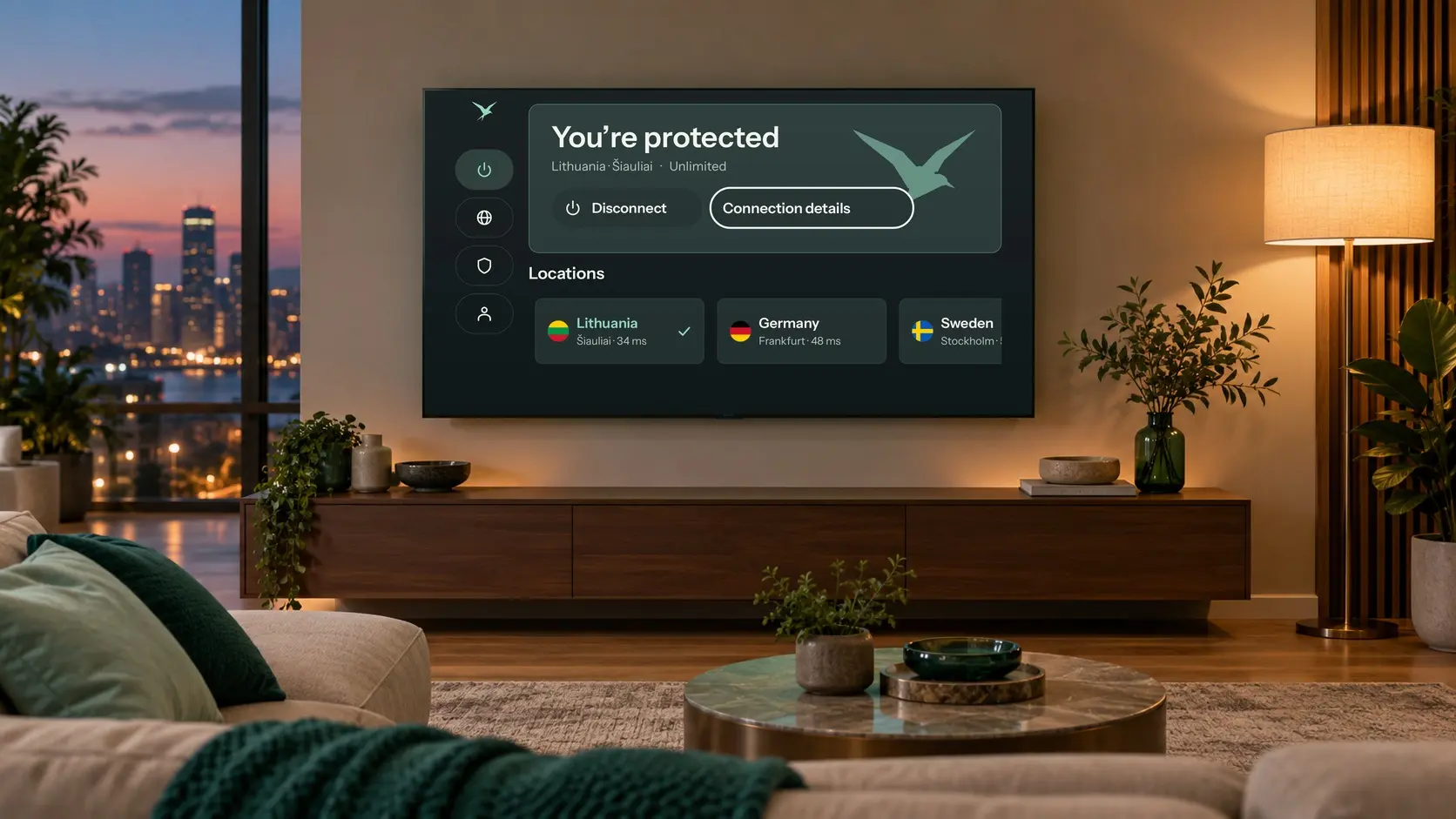
Connect sits at the top, your locations in a row below, and a short menu on the left for Locations, Protection and your account. Big, clear text you can read from the sofa.
Teal VPN for Android TV Available
A private VPN for Android TV, Google TV, NVIDIA SHIELD and Chromecast with Google TV. One Connect button, six locations, and sign-in with your phone. Install it today in three steps.
Install
Free, from Google Play on your TV.
download.tealvpn.com/android Then Install.
Scan the code with your phone. Done.
Connect
Connect sits at the top, your locations in a row below, and a short menu on the left for Locations, Protection and your account. Big, clear text you can read from the sofa.
Locations
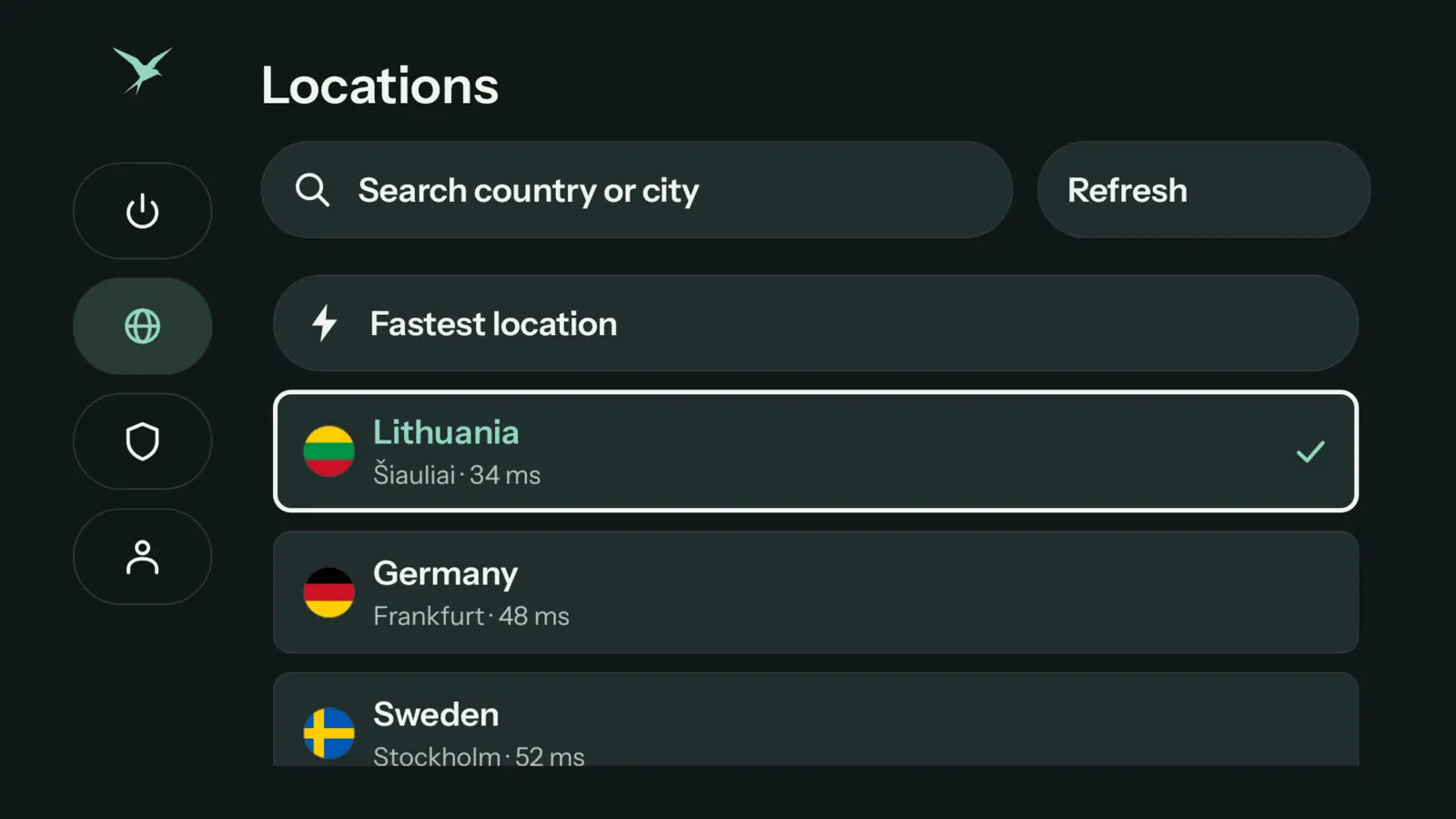
Lithuania, Germany, Sweden, the United States, Japan and Singapore, each with its ping from your TV. Choose one, or let Fastest location choose for you. Teal Free includes Lithuania; Teal Pro opens all six.
See all locations →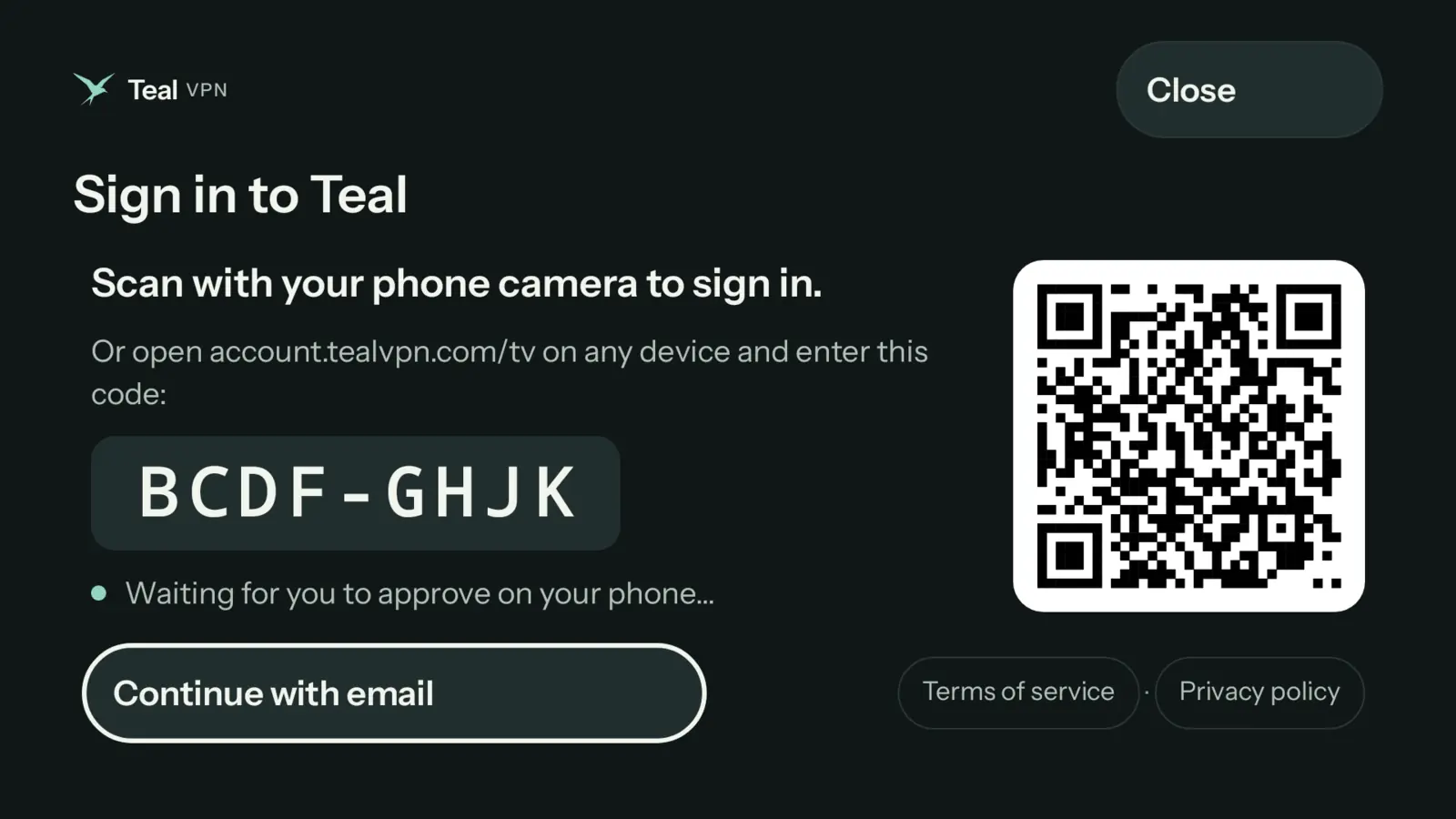
Sign in
The TV shows a QR code. Scan it with your phone, approve, and the TV signs itself in within seconds. No camera? Open account.tealvpn.com/tv on any device and type the short code. You never type a password with the remote.
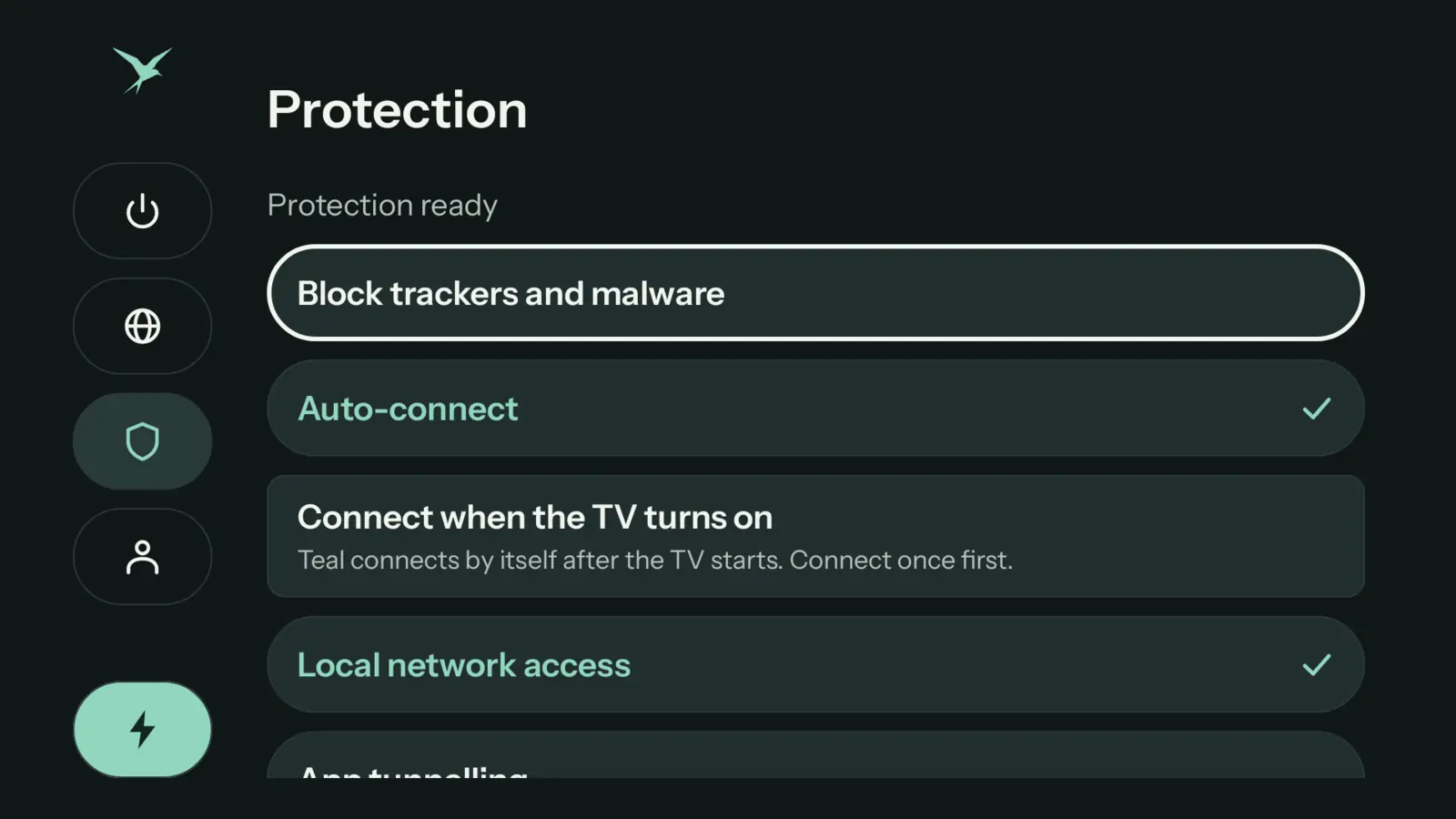
Protection
Teal VPN can connect by itself when the TV turns on. Block trackers and malware, choose apps that skip the VPN, and keep casting and smart-home devices reachable on your home network.

Press Connect and every app on your TV goes through Teal VPN. No browsing logs, no ads, and no typing with the remote.
Download for Android TVYour TV on a private connection, from the sofa, with one press.

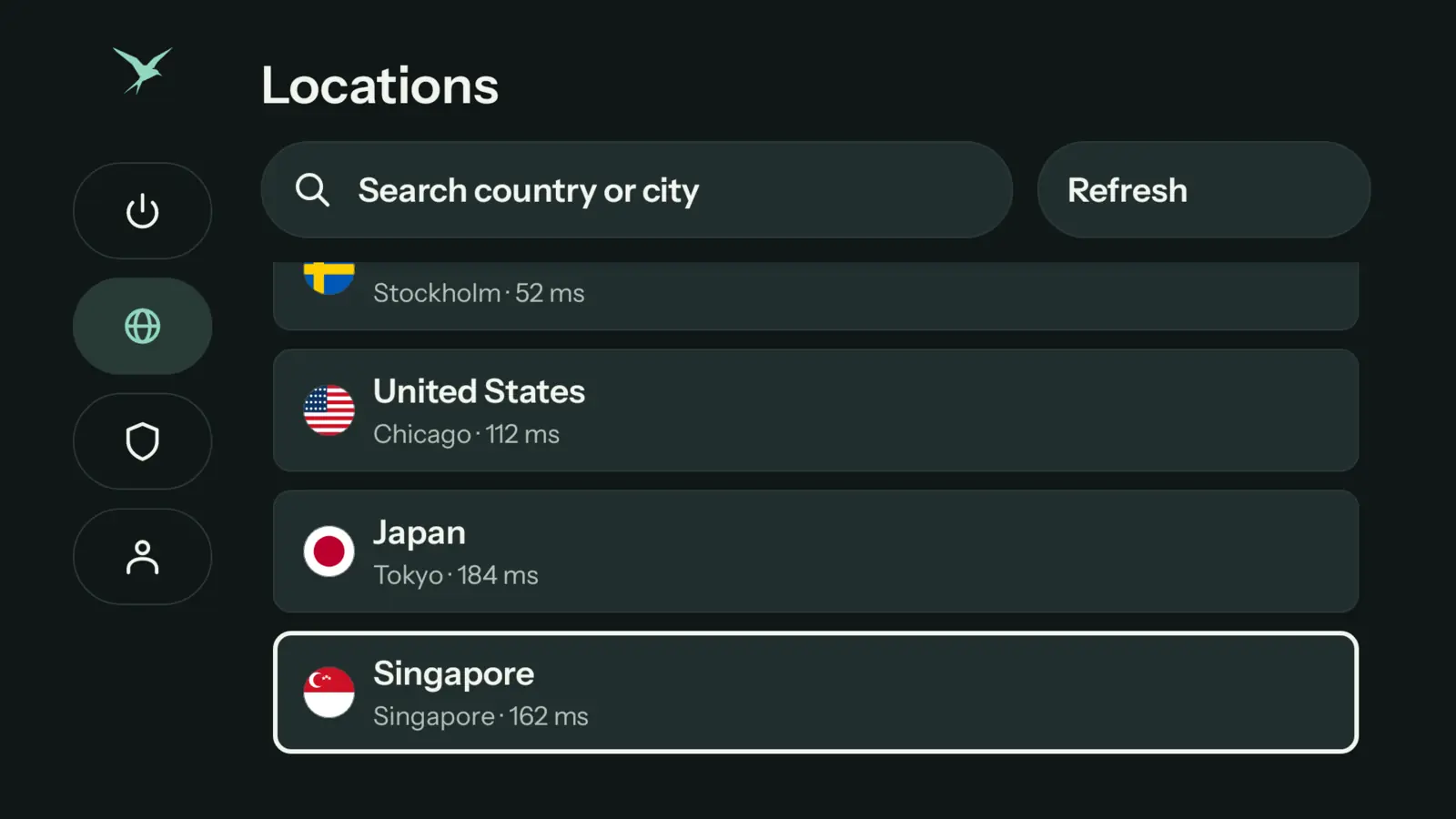
Lithuania, Germany, Sweden, the United States, Japan and Singapore. Routes made for networks that block VPNs, and Teal VPN tries another way by itself.
See all locationsA streaming box in your bag, six locations on any hotel TV.

Block trackers and malware, connect when the TV turns on, and keep phones casting to the TV. One account covers your phone and your TV.
Free and ProTrackers blocked for the whole room. Casting still works.
Why Teal VPN
Teal is paid for by Pro subscribers. Not by ads, and never by your data.
| Feature | Teal Free | Many free VPNs |
|---|---|---|
| Ads | ✓None | Common |
| Selling your data | ✓Never | Often how they are paid |
| Browsing logs | ✓No | Often |
| Works where VPNs are blocked | ✓Built for it | Rarely |
| Free data | ✓500 MB every day | Varies, often slow |
We count the data you use, never what you do with it. Your connection IP address is not stored.
Your private key is created on your device and never sent to Teal.
Teal is paid for by Pro subscribers, not by selling your attention.
Plans
One account works on every Teal device.
Teal Free
Teal Pro
From $3 a month, billed yearly
Getting started
On your TV, open Google Play and install the free Downloader app by AFTVnews.
In Downloader, type download.tealvpn.com/android, then choose Install.
Open Teal VPN, scan the code with your phone, approve, and press Connect.
HD video can use 1–3 GB an hour, so Teal Free’s 500 MB a day runs out quickly on a TV. Teal Pro has no daily limit.
With app tunnelling you choose which apps use Teal VPN. Everything else uses your normal connection.
Local network access keeps your TV reachable for casting and smart-home devices while Teal VPN is on.
Install a newer version the same way, over the old one. Your sign-in and settings stay.
Questions
Yes. Teal VPN runs on TVs and boxes with Android TV or Google TV, Android 8 and later, such as Chromecast with Google TV, Google TV Streamer, NVIDIA SHIELD, and Sony, TCL, Philips or Hisense TVs. Install it today with the free Downloader app.
Not yet, it is coming soon. Until then, the direct download at download.tealvpn.com/android is the same Teal VPN, with the TV version built in.
Yes. Teal Free works on your TV with 500 MB of data every day, the Lithuania location, and up to 2 devices, with no payment details.
Teal Free needs a certified TV or box that passes Google’s device check. Uncertified or rooted boxes may only get Teal Pro, which works everywhere.
The file comes straight from Teal VPN’s own download server. Downloader only fetches it; Android checks the app’s signature before it installs, and only you approve the install.
No. Scan the code on the TV with your phone and approve, or type the short code at account.tealvpn.com/tv on any device.
Not yet. Teal VPN for TV is made for Android TV and Google TV.
Yes. Your plan belongs to your account. The TV counts as one of your plan’s devices.
Start free with 500 MB every day. No card needed.
Apple, iPhone, iPad, Mac, MacBook Air, MacBook Pro, macOS, and App Store are trademarks of Apple Inc., registered in the U.S. and other countries. Android, Android TV, Google TV and Google Play are trademarks of Google LLC. Windows is a trademark of the Microsoft group of companies. Teal VPN is not affiliated with or endorsed by these companies.